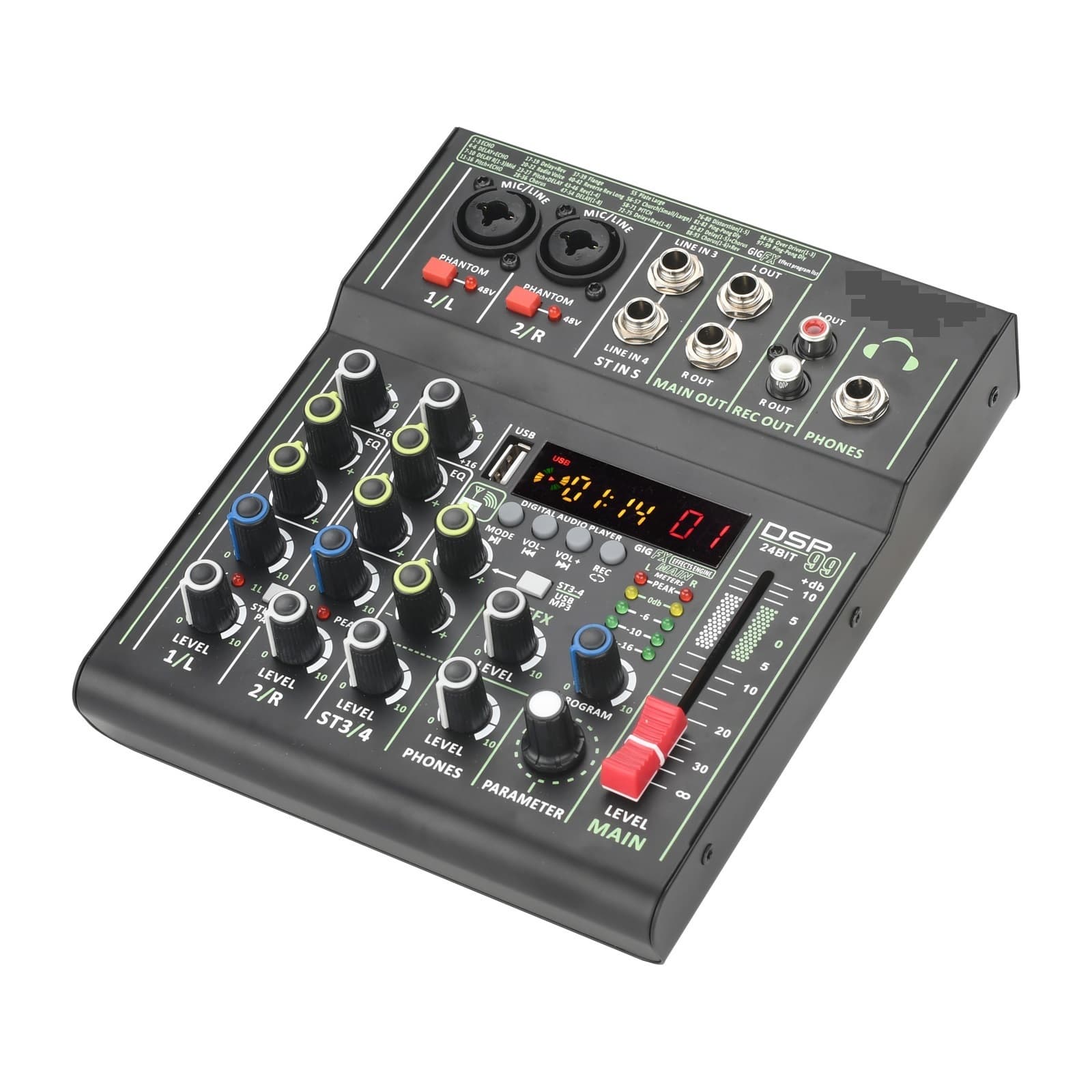
4 Channel Mixer Individual +48V Phantom Power 99 DSP Effects USB Computer Play Record Mixing Console
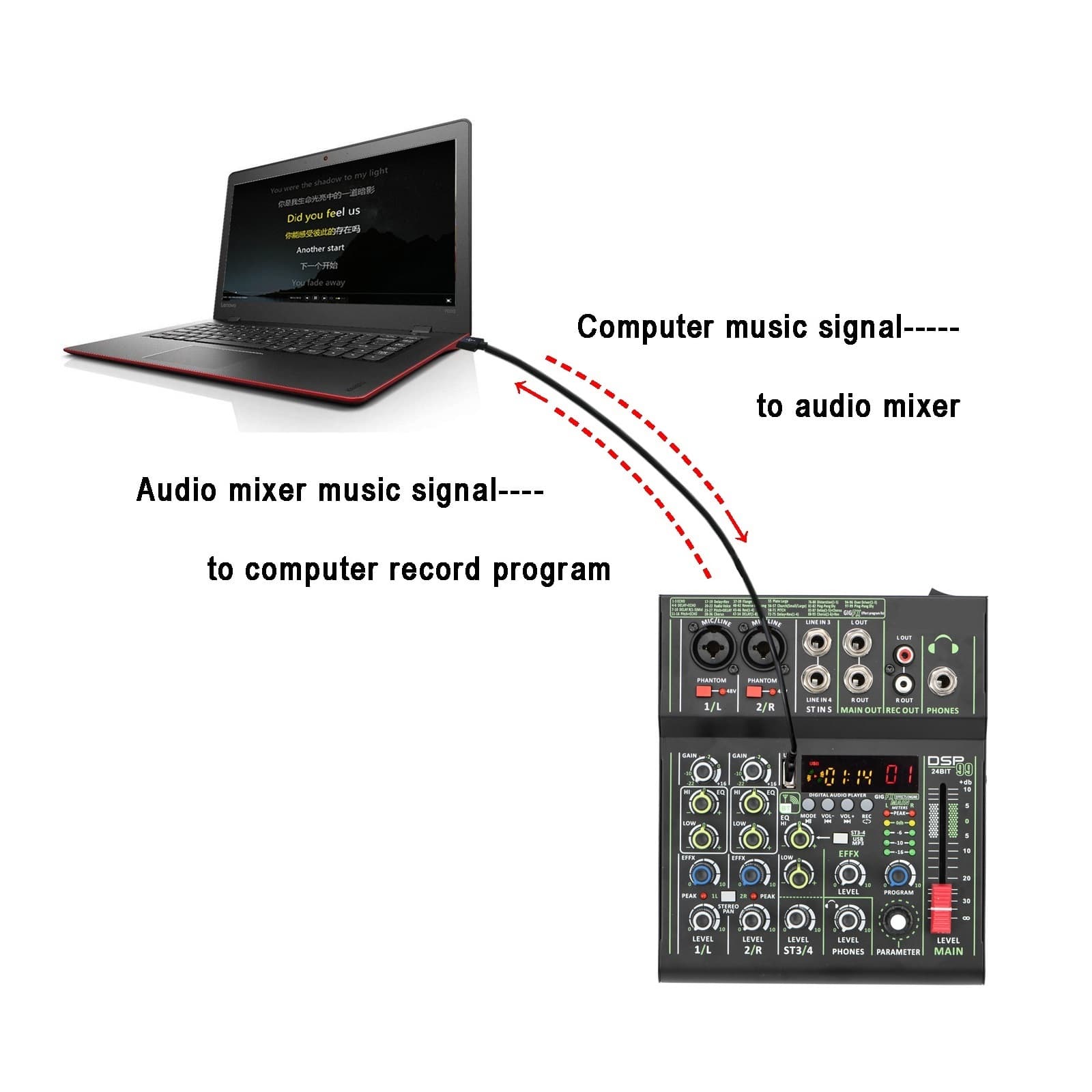
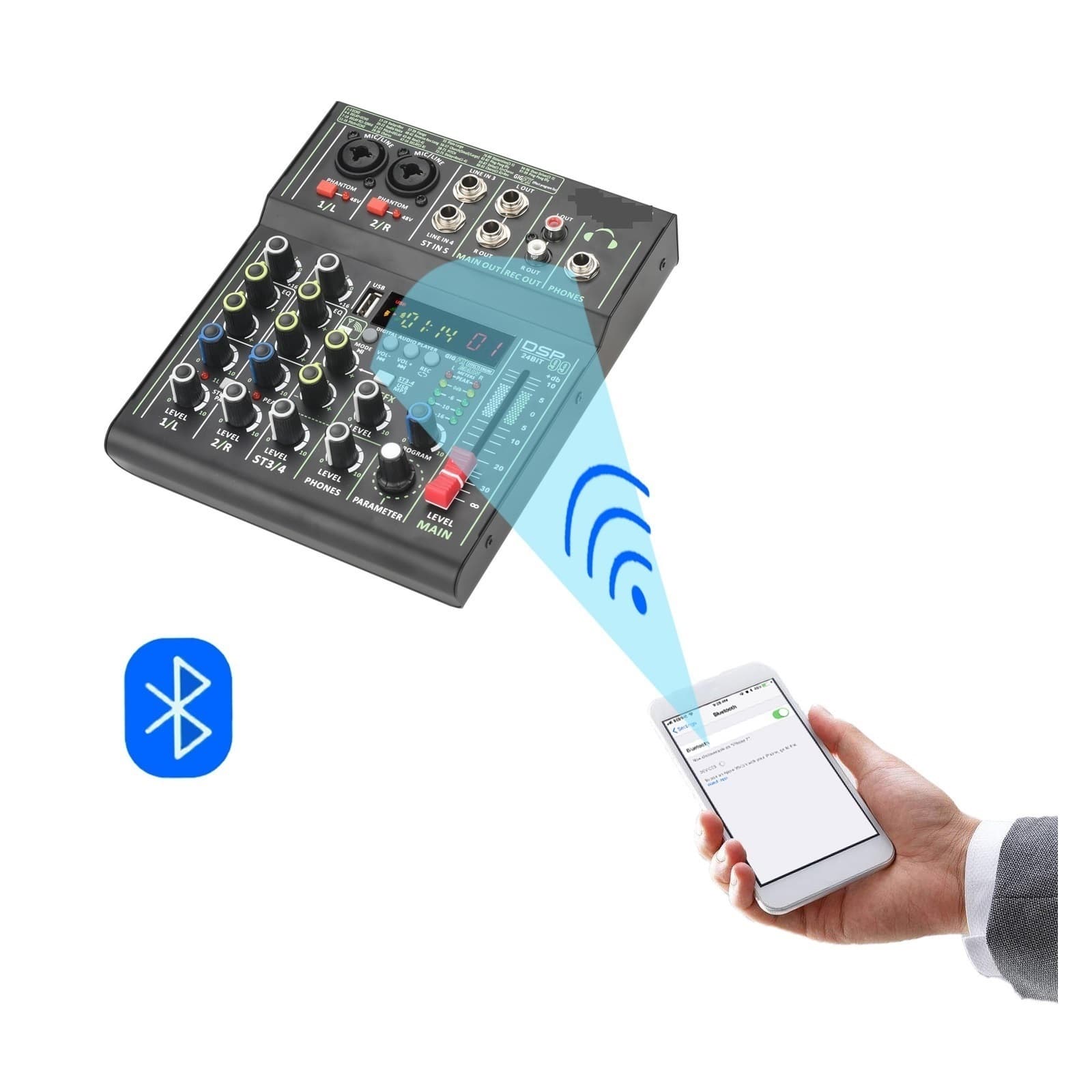
Portable USB Play Record 4 Channel PC Playback Guitar 2 Mono 1 Stereo Professional Mixer Selling Point: 1. Power supply: DC 12V 2A. 2. 4 Channel mixing console. 3. function. 4. 99 DSP Effects. 5. USB Play and Record. 6. Computer play and record. 7. Individual +48V phantom power. 8. Mini, portable. Power supply: DC 12V 2A. 4 Channels 1). CH1/2 are Mono channels, CH3/4 is stereo channel. 2). For signal from CH1/2, L/R of main out will output same signal. 3). For signal from CH3, L of main out will output the signal, R will not output signal. 4). For signal from CH4, R of main out will output the signal. L will not output signal. Common unconnectable input devices: For these device, mixer can not supply working power, device can not work normal though you use adapters. function 1.Mixer only can accept signal, it can not send out signal. 2.After pairing, please press down "ST3-4/USB MP3" button, then you can adjust the signal from CH3/4 to main output. 99 DSP effects 1. Parameter: Choose effect. 2. Program: Adjust parameter. 3. Level: Adjust the output level. Connection with U-Disk (U-Disk is not included,buyer need buy it by himself) 1. U-Disk format: FAT32 ( Do not support NTFS). 2. Play format: MP3, WMA,WAV,FLAC. 3. Record format: MP3 (Before recording, please copy a song in the U disk, otherwise, the disk may not be possible to record. 4. Sampling frequency: 16 Bit 48KHz. 5. Please press down "ST3-4/USB MP3" button, then you can adjust the signal from CH3/4 to main output. Connection with PC (USB cable is not included, buyer need buy it by himself) 1. Computer play Buyer downloads music play software, and choose mixer as speaker. Then computer music signal will come into mixer. Please press down "ST3-4/USB MP3" button, then you can adjust the signal from CH3/4 to main output. 2. Computer record Buyer downloads music record software, choose mixer as microph1. Then mixer signal will come into computer. 3. Please note, you only can record MONO music. Individual +48V phantom power: 1. Phantom power is only for XLR socket. 2. You can use +48V condenser microph1 and dynamic microph1 through XLR socket at same time. 3. Connection with dynamic microph1. 1) We recommend using XLR cable to connect mic to mixer. If you use 6.3 ,the volume will be small. 2) please do not power on +48V phantom power, otherwise the power maybe burn the dynamic microph1. 4. Connection with +48V condenser microph1. 1) If your condenser microph1 supports +48V, please power on +48V phantom power. 2) if your condenser microph1 does not supports +48V, you can not use the microph1. Gain knob: 1. It determines the channels input gain. 2. If you adjust the knob to the max, it will increase the noise too. Please do not adjust to the max if it is not necessary. Peak light: Light will be on when the volume of input and or post-equalizer sound is too high. If it is lit, turn the [Gain] knob to the left to lower the volume. Stereo Pan: Button is bounced up: [MONO]. Sound input to channels 1/L or 2/R can be heard from both the right and left speakers. If you use the 1/L or 2/R individually, set the switch to this setting. Button is pressed down:[STEREO]. Sound input to channel 1/L can be heard from only the left speaker , and the sound input to channel 2/R can be heard from only the right speaker. ST3-4/USB MP3: Line input signals : Button is bounced up. U-disk/bluetooth/pc input signals: Button is pressed down. Headph1 volume control: 1. [LEVEL PH1S] Knob can adjust the volume of headph1. 2. [MAIN OUT] fader do not control the volume of the headph1. Packing: 1. Packing list: mixer 1 pc. Power adapter 1 pc. Manual 1 pc. 2. Size and packing.
Shipping & Returns
Shipping & Returns