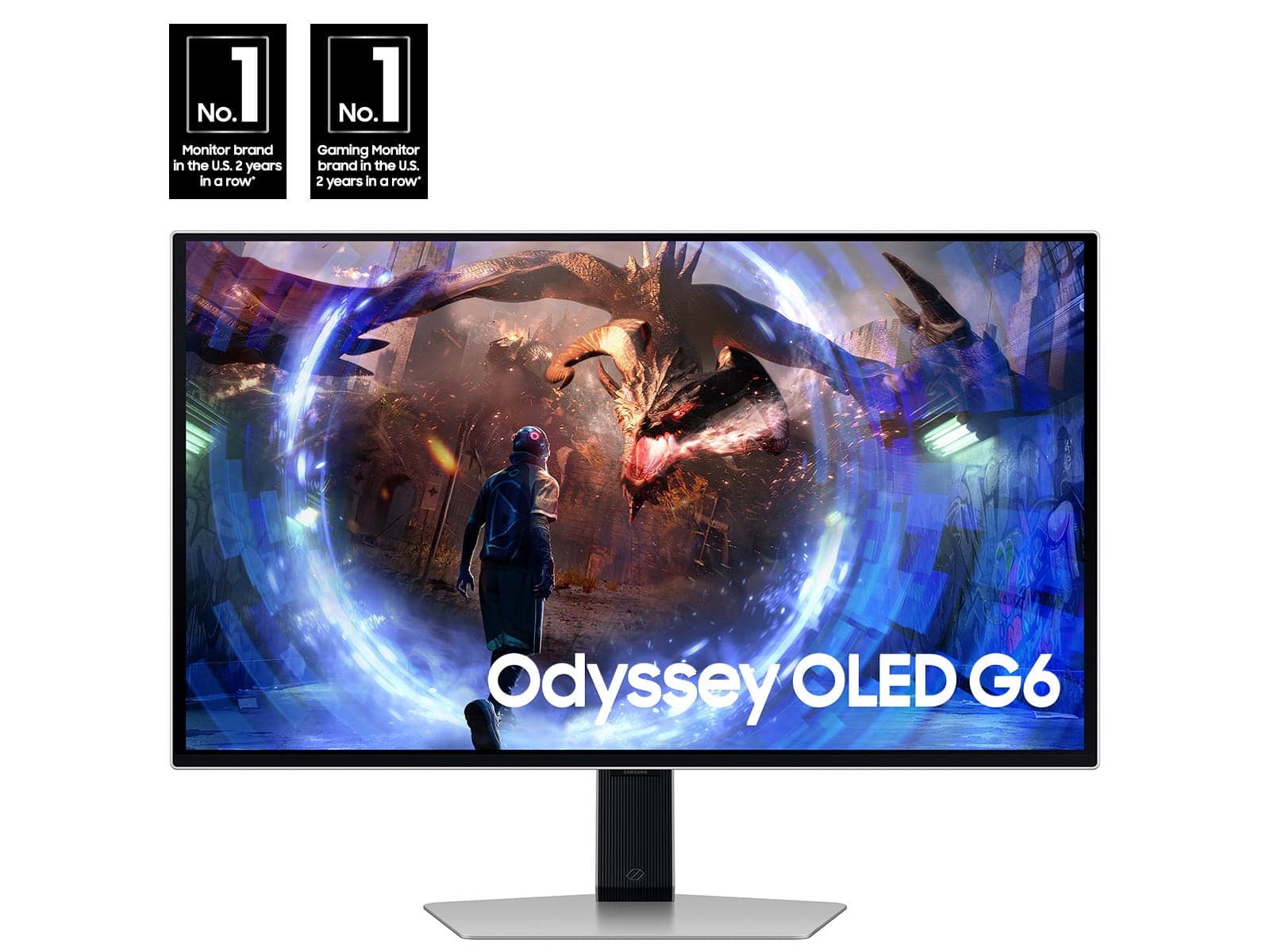
SAMSUNG 27" Odyssey OLED G6 (G60SD) QHD 360Hz 0.03ms FreeSync™ Premium Pro Gaming Monitor — Sleek Metal Design
Experience true OLED visuals: the SAMSUNG Odyssey OLED delivers deep blacks, an extensive color range and nearly endless shades for striking image fidelity. With 250 nits (typ) brightness and a wider color gamut, scenes are rendered with vivid clarity and contrast. Ultra-fast performance: OLED technology enables an astonishing 0.03ms response time (GtG) and, via HDMI 2.1 and DisplayPort connections, a 360Hz refresh rate at QHD resolution so you can react faster in every match.¹ AMD FreeSync™ Premium Pro support provides Variable Refresh Rate (VRR) to keep the GPU and panel synchronized, removing tearing, stutter and input lag during intense, fast-moving gameplay. Dynamic Cooling System: this model introduces a Pulsating Heat Pipe to monitors to help prevent burn-in. By evaporating and condensing a coolant, the system dissipates heat 5 times better than the older graphite sheet approach. Thermal Modulation System uses predictive algorithms to monitor surface temperature and modifies brightness automatically to reduce heat.² Static image protection includes automatic logo and taskbar dimming to minimize burn-in risk, and a Screen Saver function that dims the display after 10 minutes of inactivity and restores full brightness with any input.³ OLED Glare Free reduces reflections so the screen presents perfect blacks and vibrant color without distraction — the panel is 61% less glossy than conventional AGLR film for clearer viewing. Expect true deep black levels with minimal pixel light bleed for richer depth and color accuracy in games. Refined metal aesthetics: the slim chassis measures just 3.9mm at its thinnest, while Core Lighting+ offers ambient illumination to suit your setup. The ergonomic stand supports height adjustment, swivel and tilt so you can position the display for extended comfort during long sessions. ¹ Based on GtG measured under internal test conditions. Results may vary by content and monitor settings. GtG (Gray to Gray) measures the time taken for a monitor pixel to change from one gray value to another. ² When "Adjust Logo Brightness" setting is on "Off" or "Low," Thermal Modulation is active in preset picture modes only. When "Adjust Logo Brightness" setting is on "High," Thermal Modulation is always active. ³ Logo detection is active in AV mode only. ⁴ Logo color on the monitor may vary based on time of purchase.
Shipping & Returns
Shipping & Returns